
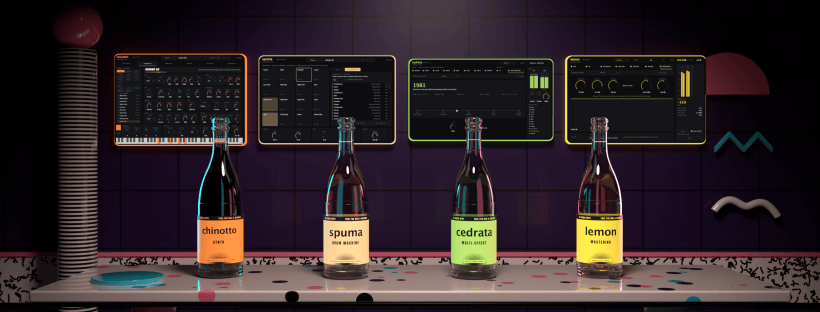
Okay PC people, pull up a chair.
The four bottles now open also on Windows. Chinotto, Spuma, Cedrata and Lemon, the plug-ins I made myself, work on Windows 10 and 11 at 64-bit, in VST3. Same as on Mac, they are free. You don’t need an account and there’s no subscription.
In Italy, when there’s food on the table, nobody eats alone. Every family has that one cousin with the PC, sitting at the end of the table, and he eats too. Mamma would never let him go home hungry.

First time here? Ciao.
Quick recap. VS Studio Apps are four plug-ins to make music: a synth, a drum machine, a multi-effect and a mastering suite. I called them like old Italian sodas, the ones you drink at the bar in August with two ice cubes and no hurry. On Windows they work in Cubase, Ableton Live, FL Studio, Studio One, Reaper and Bitwig. On Mac also in Logic Pro and GarageBand.
And they are light. On Windows Spuma, Cedrata and Lemon weigh 5 MB each. The photo of your lunch weighs more.
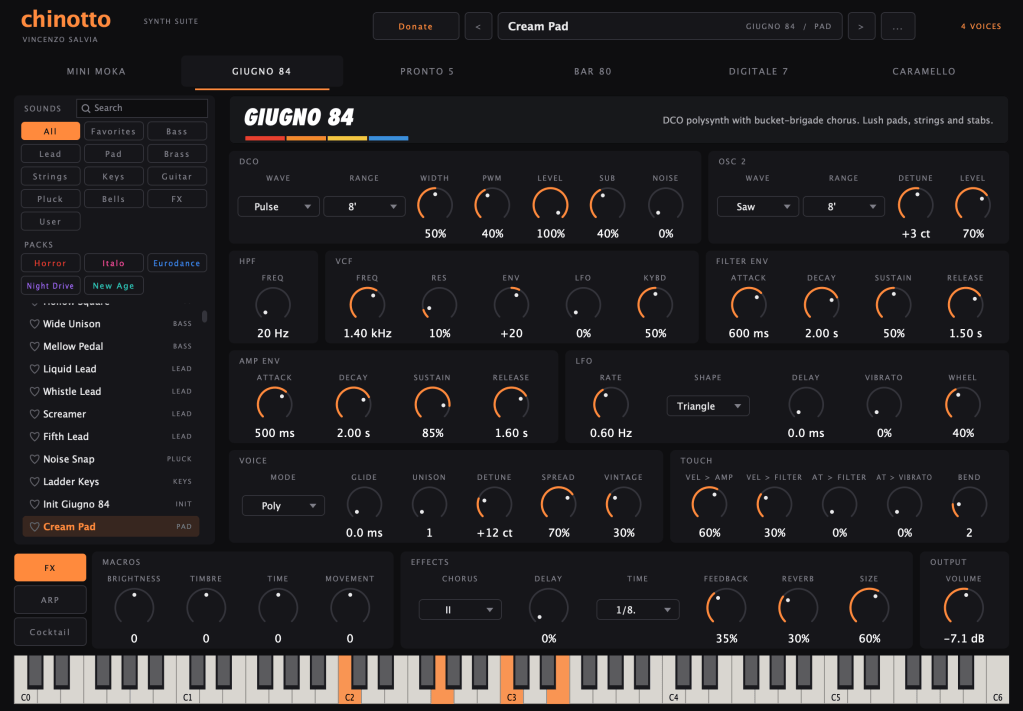
Chinotto.
Synth · Free · Mac & Windows
A free synth plug-in with six machines inspired by the eighties, from fat mono basses to pads for the night drive. 171 sounds, five free packs, and the Cocktail: you mix two presets and it pours you eight new ones.
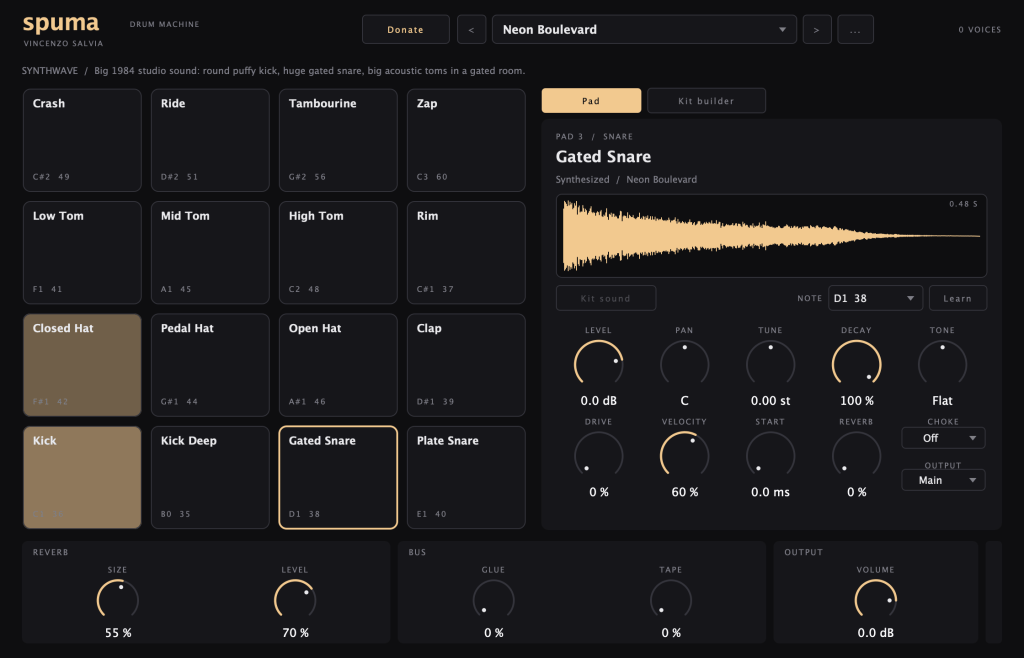
Spuma.
Drum machine · Free · Mac & Windows
A free drum machine where every hit is made digitally from zero. 23 kits from synthwave to italo disco and eurodance, 16 stereo outputs, and a kit builder if you want to use your own samples.
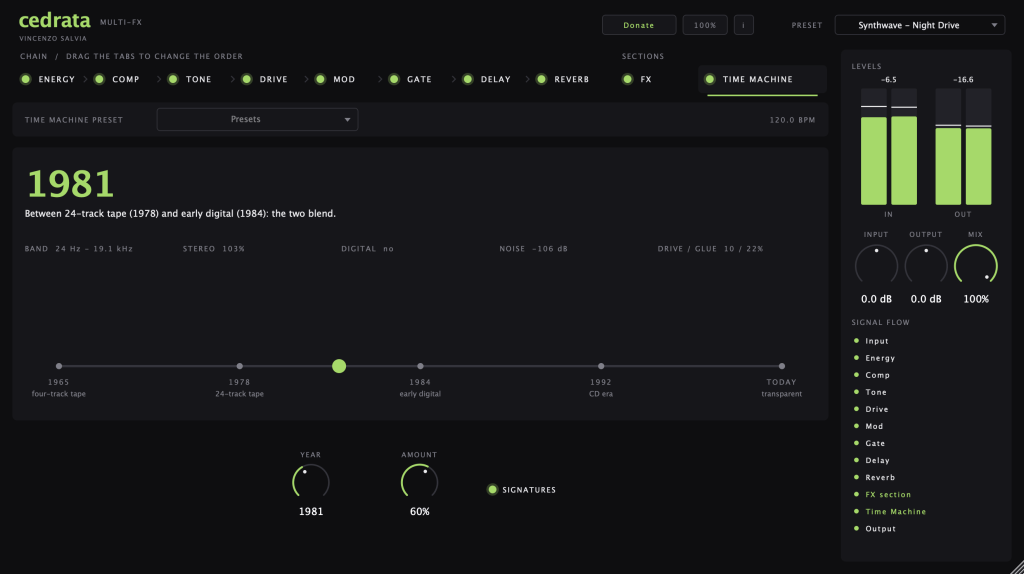
Cedrata.
Multi-effect · Free · Mac & Windows
Eight effects in one chain you reorder with the mouse, from gate and compressor to tape drive, delay and reverb. Plus the Time Machine, a slider from 1965 to today: your track sounds like it was recorded in that year.
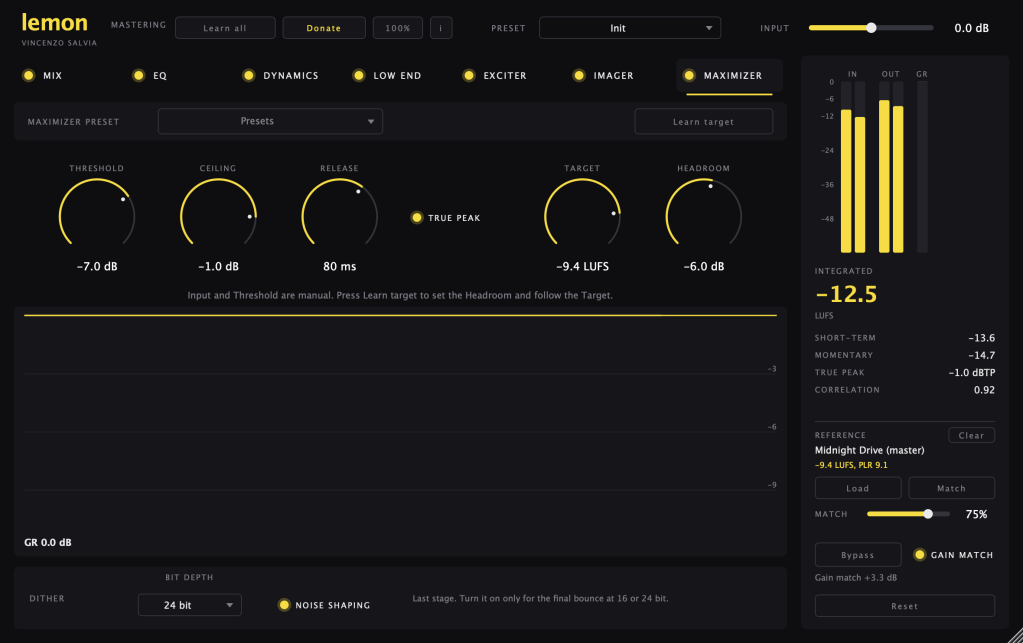
Lemon.
Mastering · Free · Mac & Windows
A free mastering plug-in for the master bus, with Lemon Zest on every track as mix assistant. Press Learn all, let your song play for about 45 seconds and it sets everything. Then you can change all of it.
Installing on Windows. Don’t panic.
Download the Setup file from the app page and open it. Windows will probably tell you “Windows protected your PC”. It’s normal, the installer is not signed by Microsoft yet. Click More info, then Run anyway. Then open your music program and scan the plug-ins again. You find them in VST3, under VS Studio.
Something doesn’t work, or you don’t understand a knob? Ask Alice. She knows every button of every bottle, also the Windows ones, and she never sleeps. I checked.
Mac or Windows, now everybody at the table eats.
If something breaks on your PC, write me at studio@vincenzosalvia.com.
Buon appetito.
Discover more from Vincenzo Salvia
Subscribe to get the latest posts sent to your email.

